Home Screen
Basic Navigation
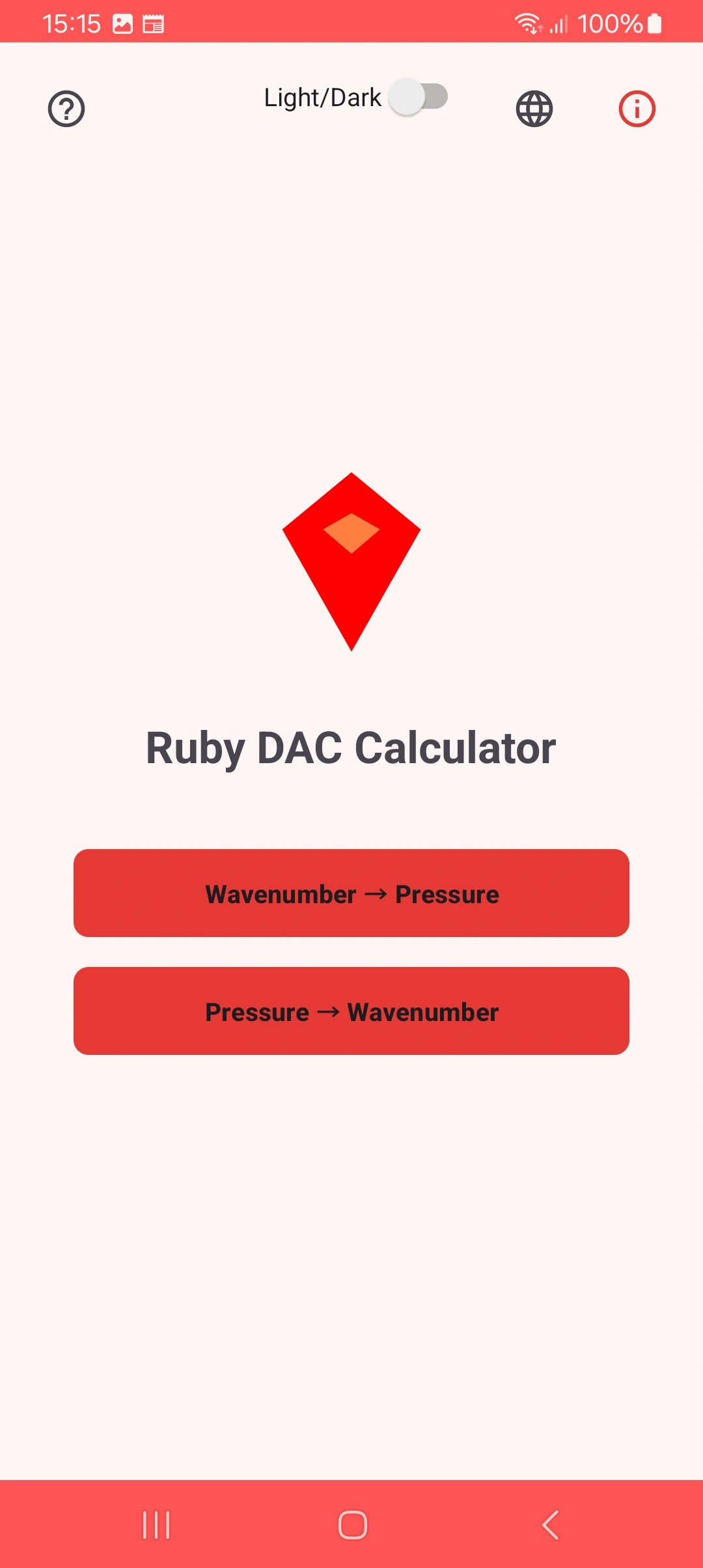
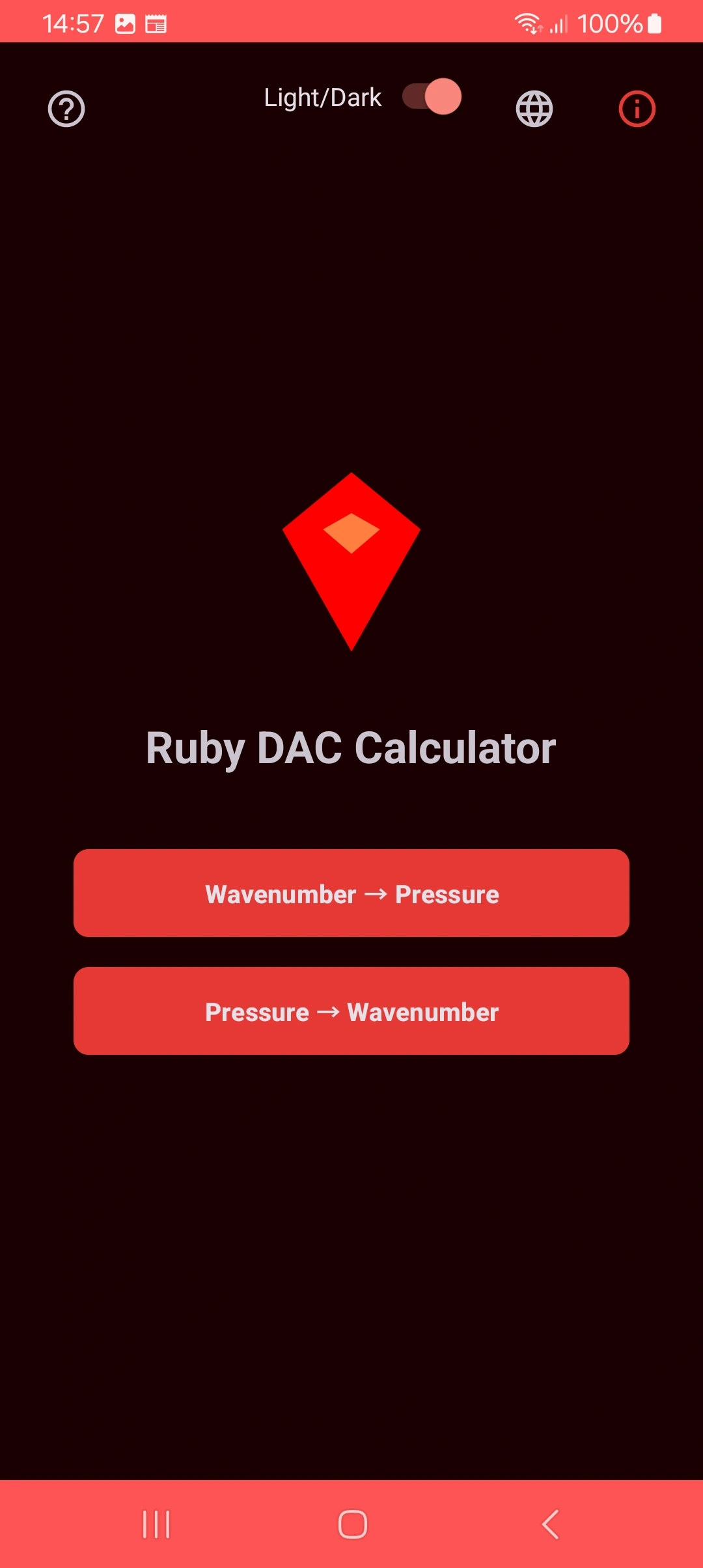
- 🔄 Switch between modes: Tap the main buttons to toggle between conversion functions
- 🌓 Visual theme: The button in the top right corner toggles between light and dark modes
- 🌐 Language: The globe icon allows selection between 5 available languages
Top Controls
- Theme: Toggles between light and dark colors
- Language: Language selection menu
- Help: Quick access to this manual
Pressure to Wavenumber Conversion
Detailed Operation
Laser Setup
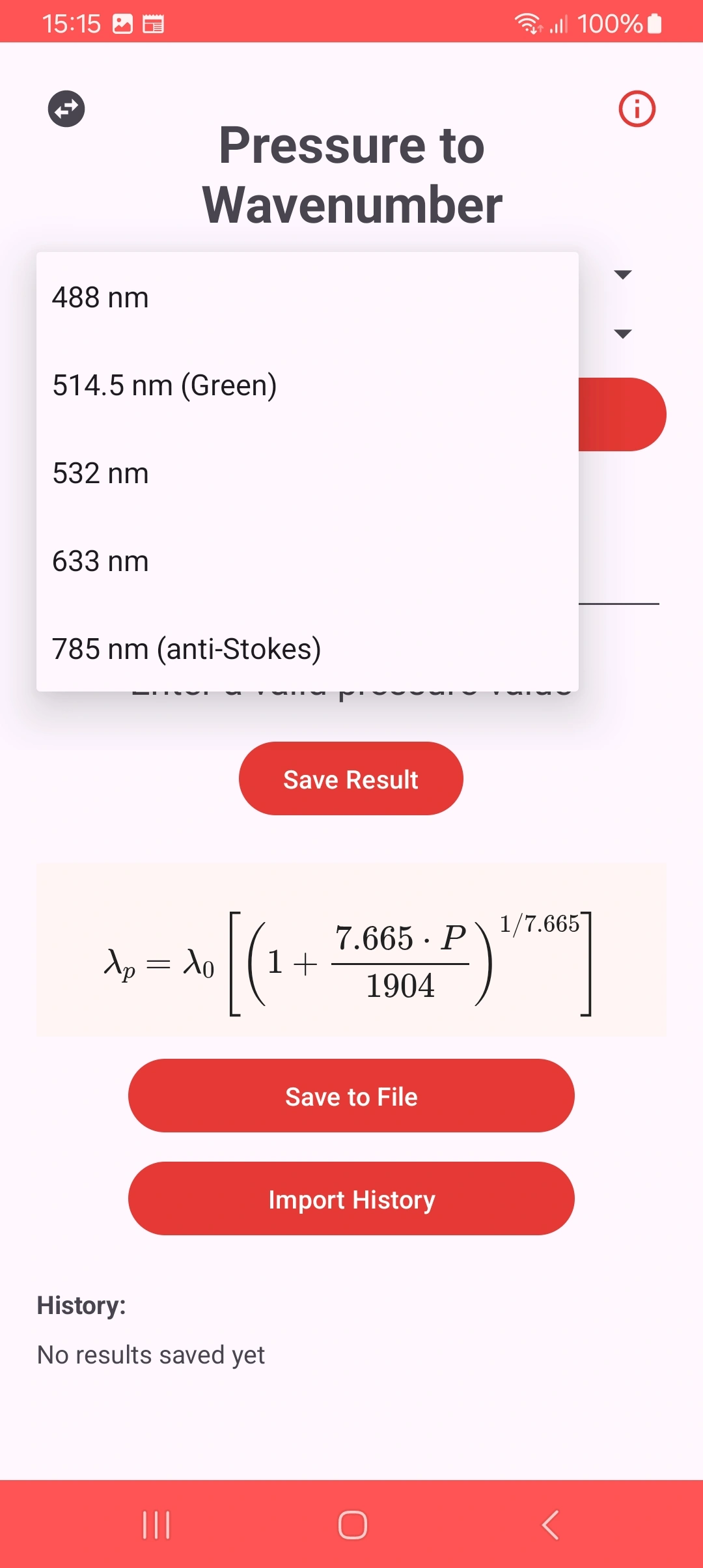
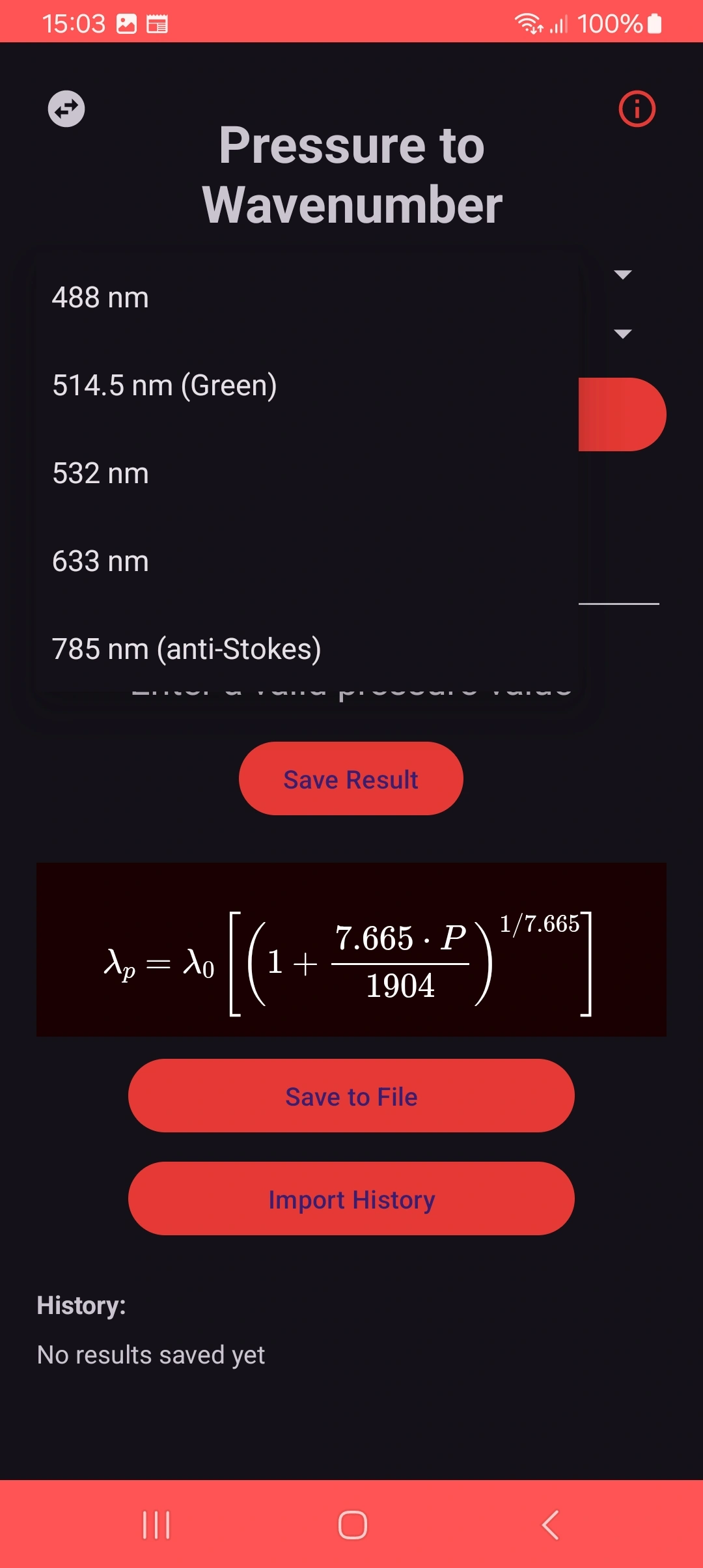
Select the wavelength of the laser used in your experiment:
- 488nm: Argon-ion laser
- 514.5nm: Gold standard for ruby
- 532nm: Solid-state laser
- 633nm: HeNe laser
- 785nm: For special measurements
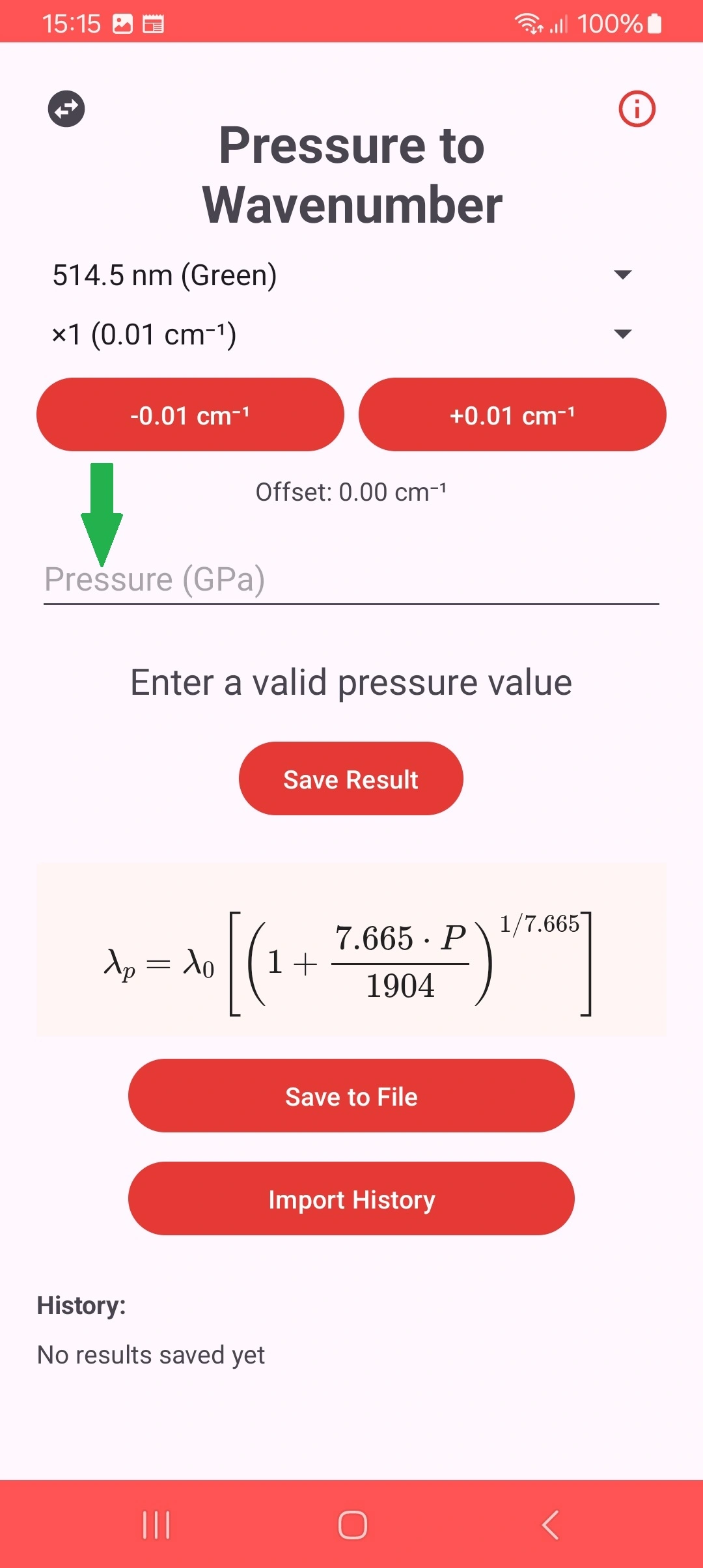
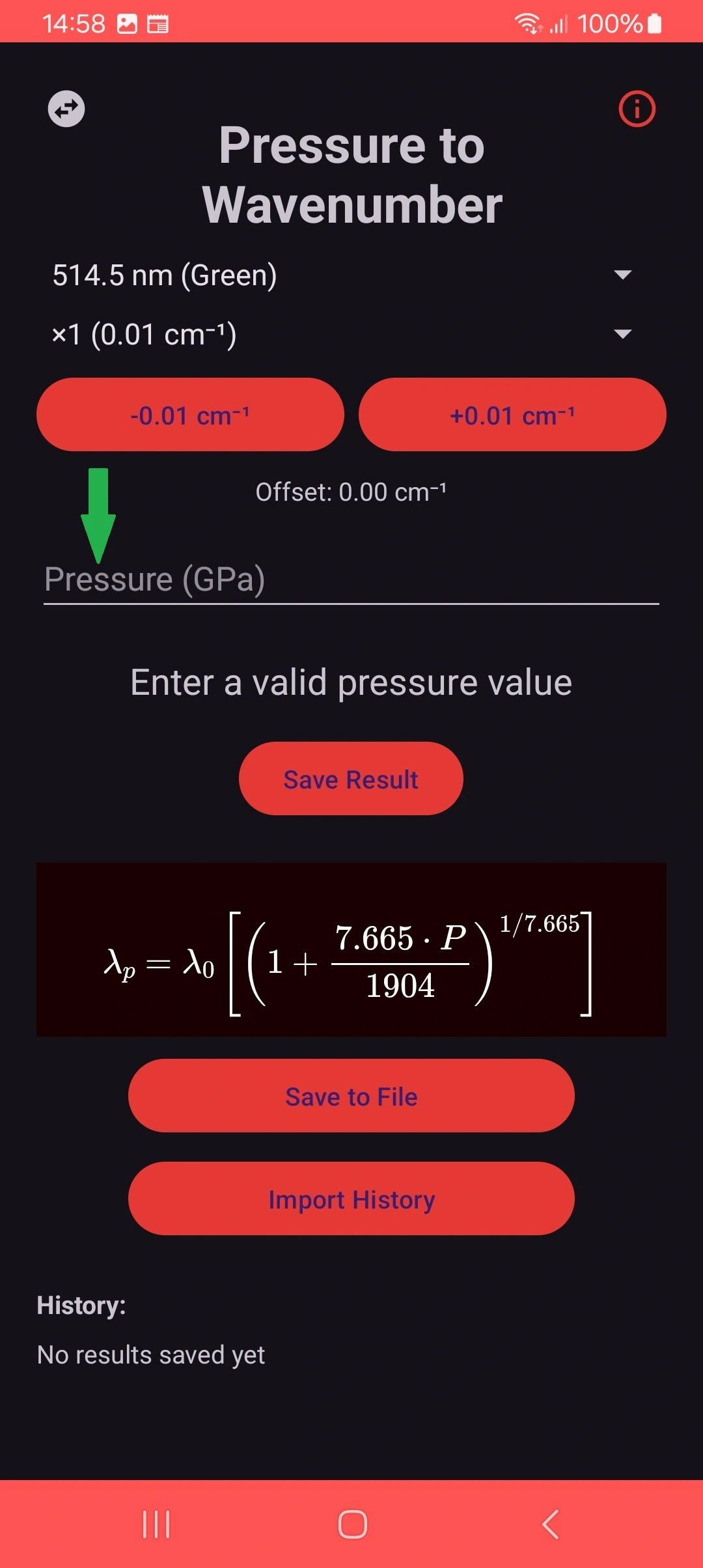
Pressure Input
Enter the pressure value in Gigapascals (GPa):
- Valid range: 0 to 500 GPa
- Use dot or comma as decimal separator
- Calculation is performed automatically
Advanced Features
Calibration Adjustment
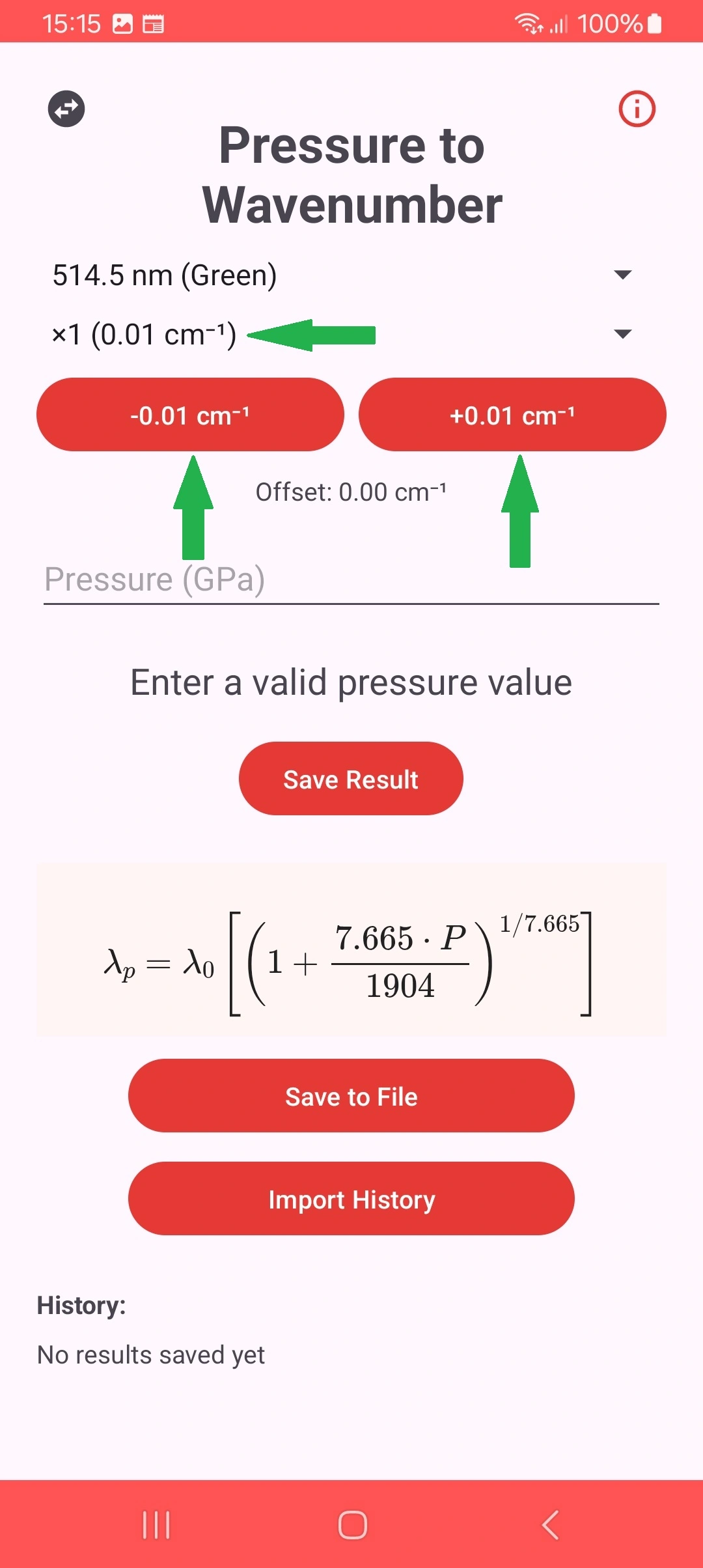
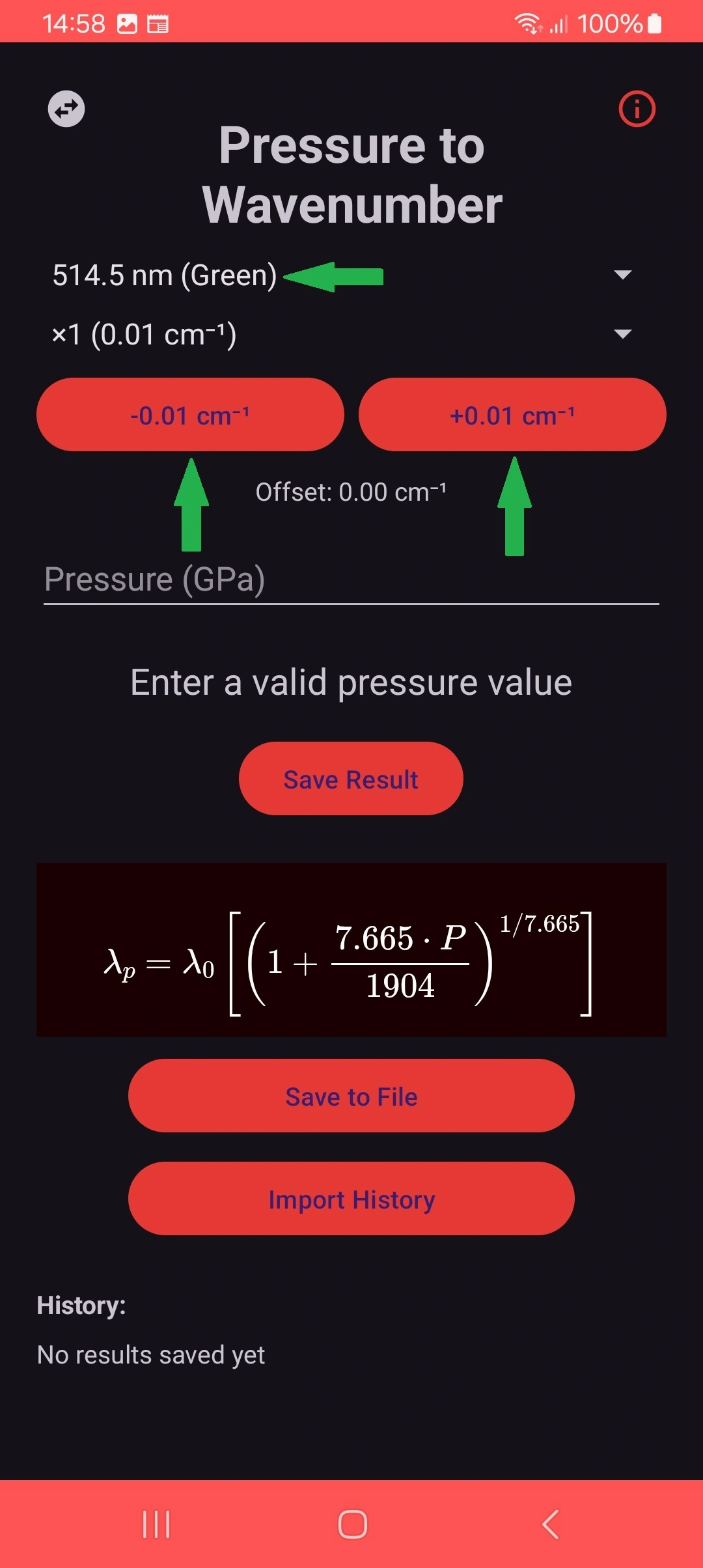
Compensate for instrumental variations with fine adjustment:
- Select the desired laser
- Use + and - buttons to adjust
- The value is automatically saved per laser
Note: Default adjustment is 0.0 cm⁻¹
Wavenumber to Pressure Conversion
Detailed Operation
Wavenumber Input
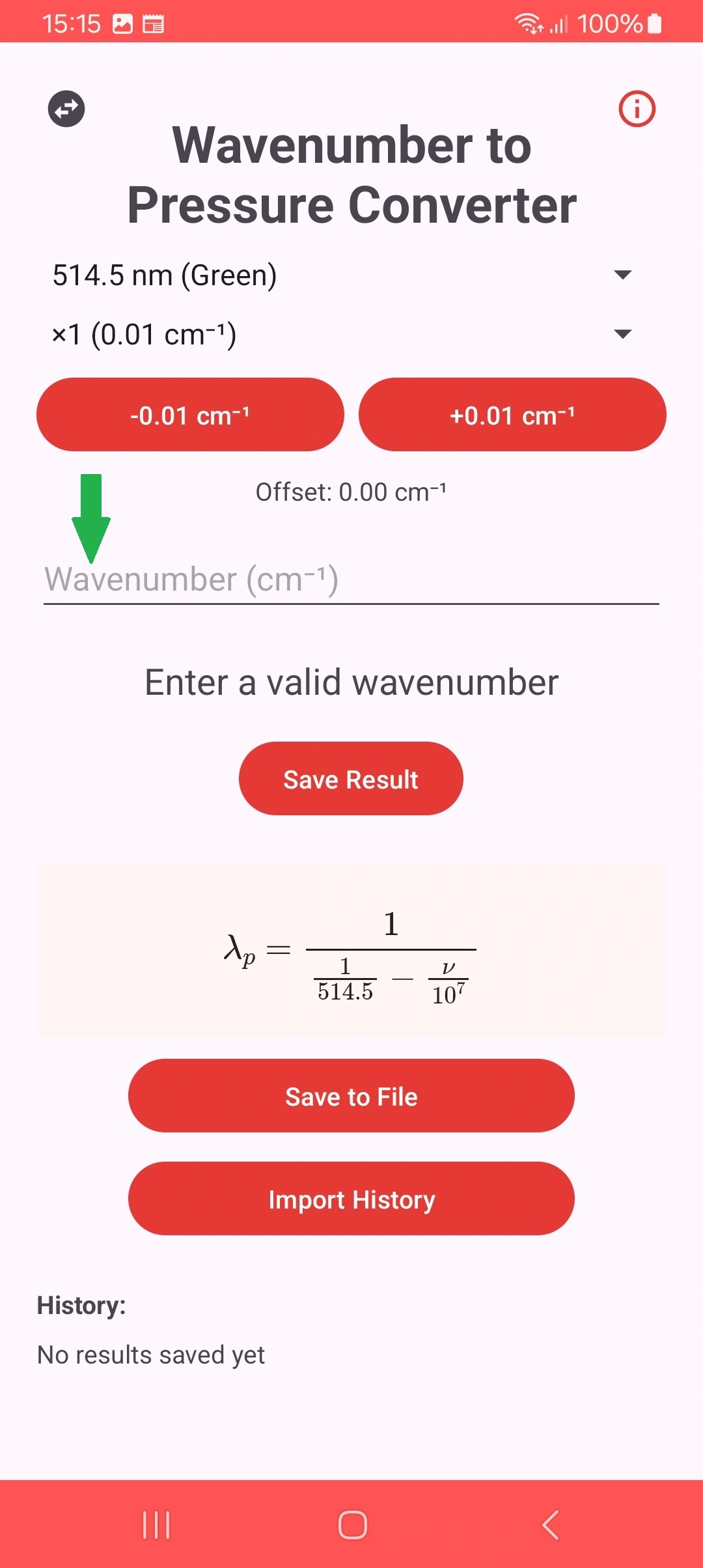
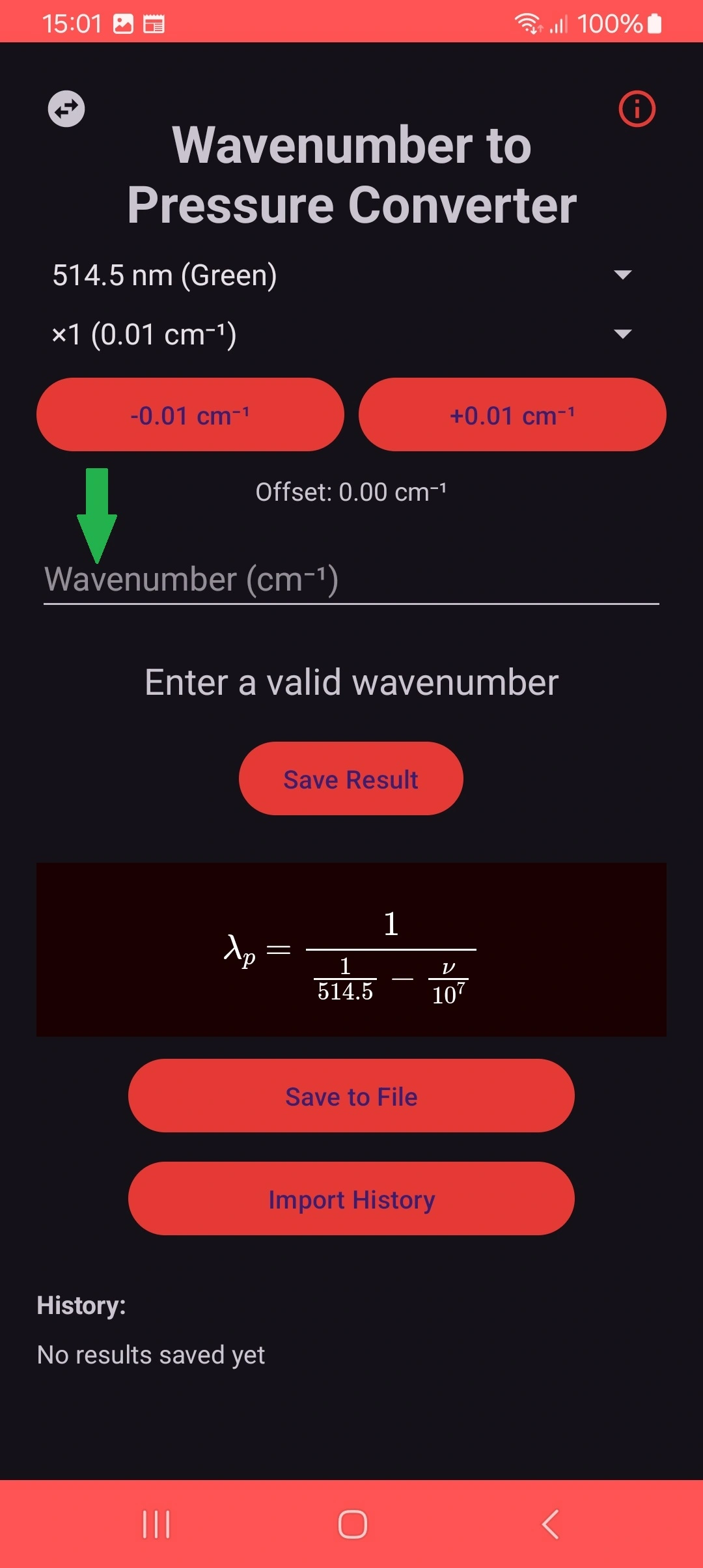
Enter the Raman wavenumber in cm⁻¹:
- Valid range varies according to selected laser
- For 785nm laser, negative values are accepted
- Calculation is performed automatically
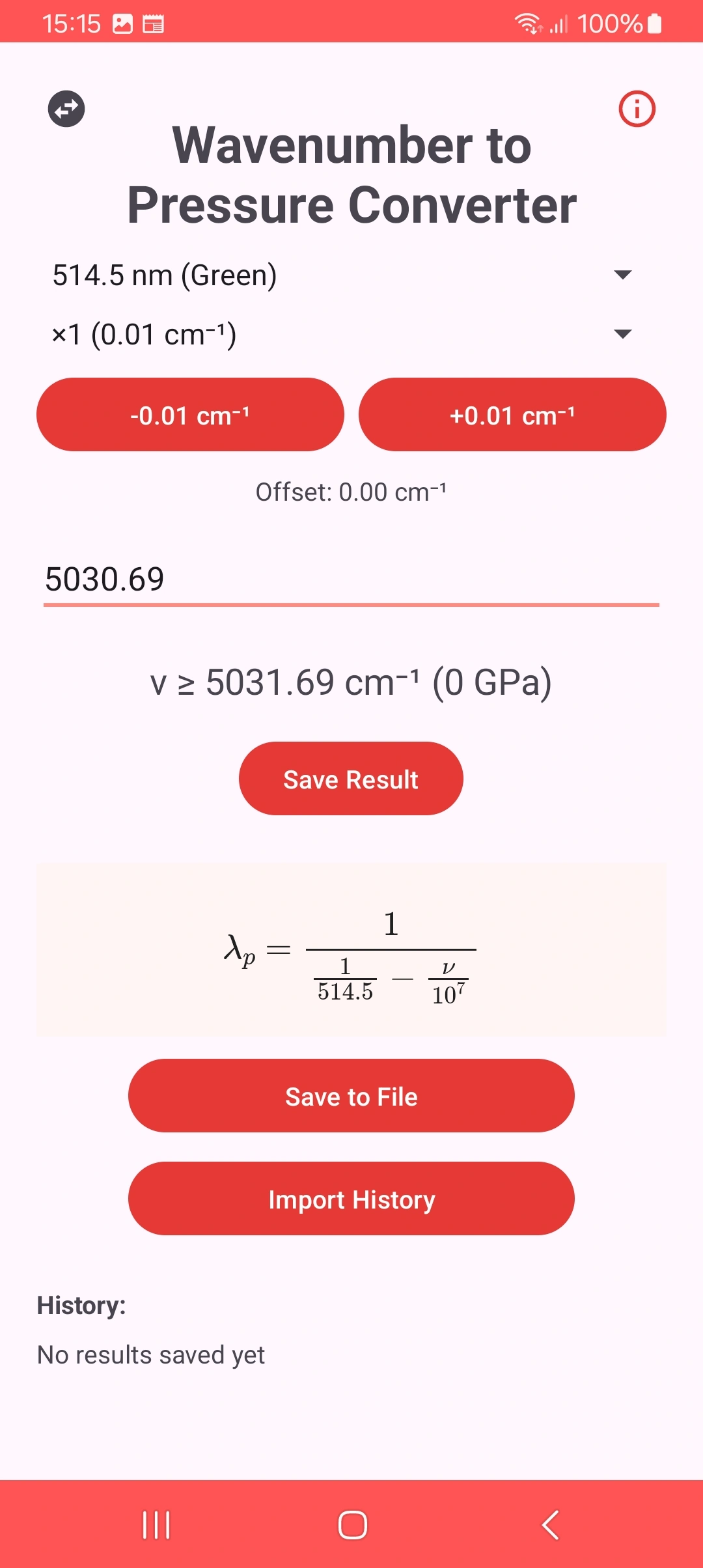
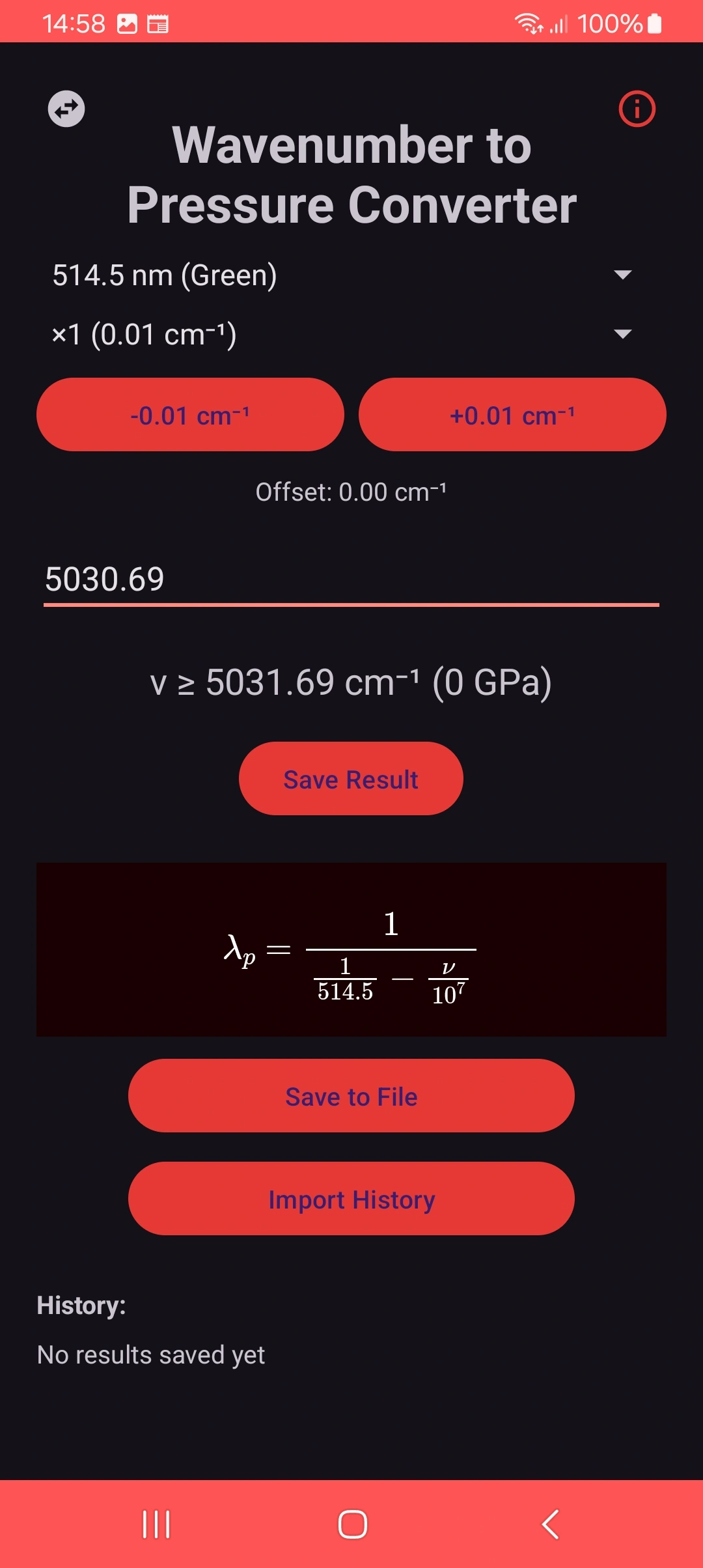
Automatic Validation
The app automatically verifies:
- If the value is within the possible range
- If it would result in valid pressure (0-500 GPa)
- Shows clear messages for invalid values
Data Management
Calculation History
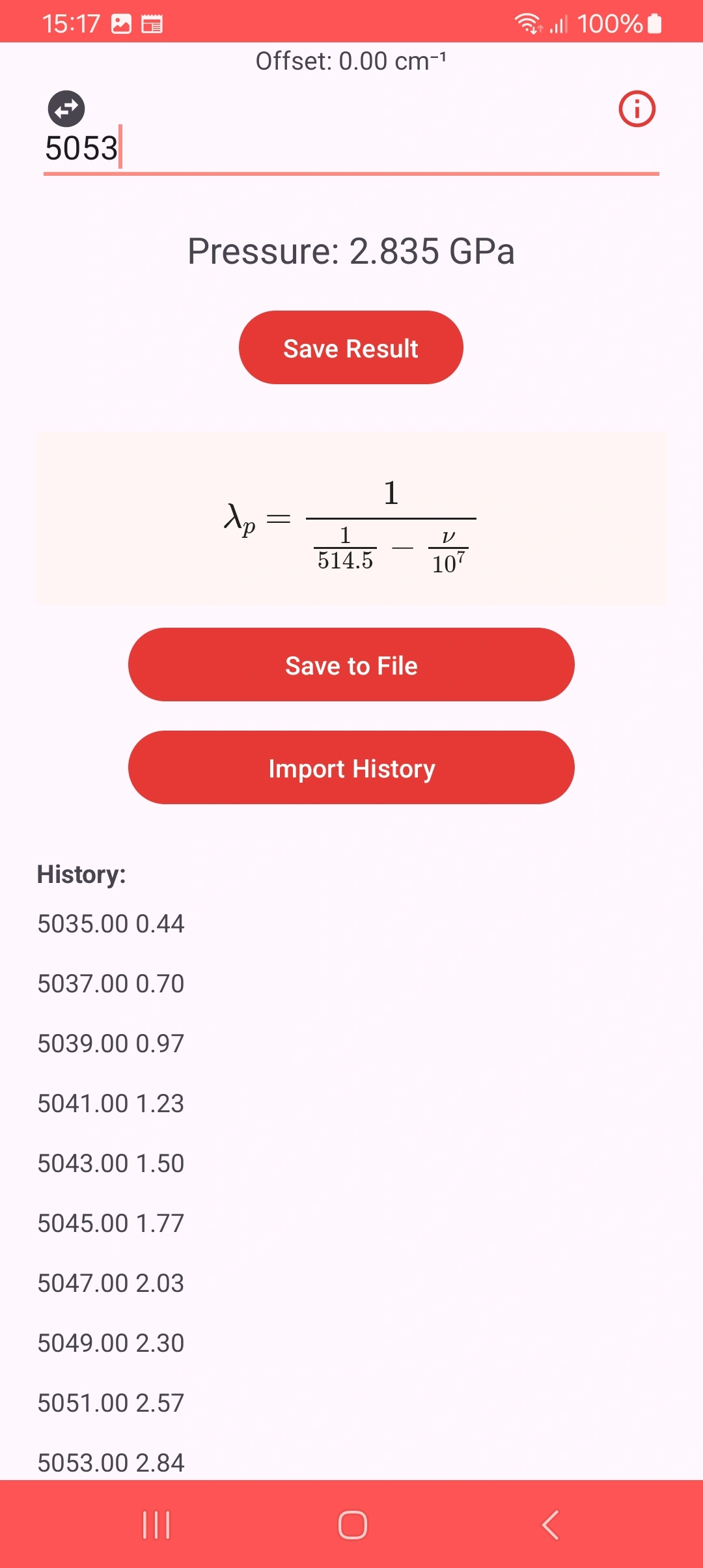
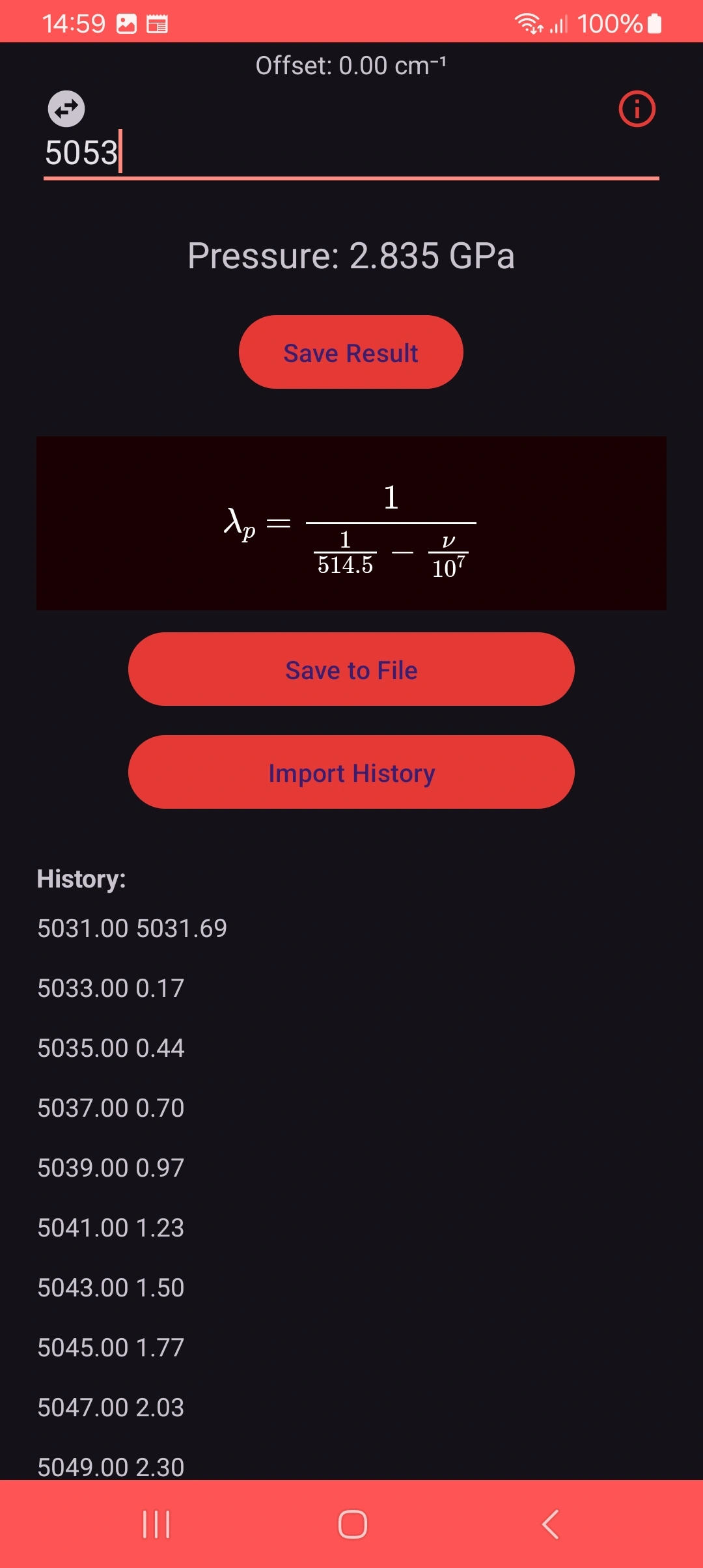
- Stores up to 50 recent conversions
- Format: Pressure (GPa) → Wavenumber (cm⁻¹)
- Automatically cleared when restarting the app
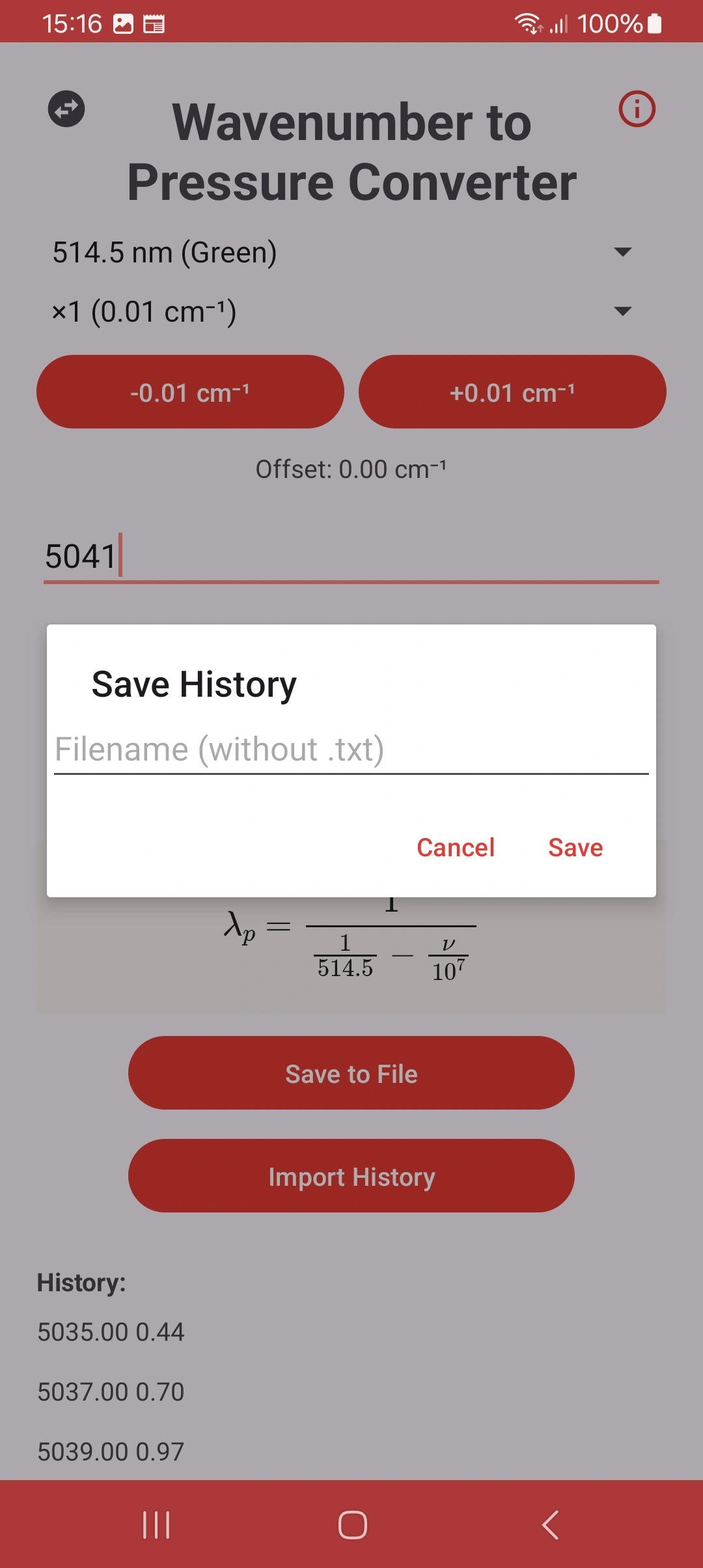
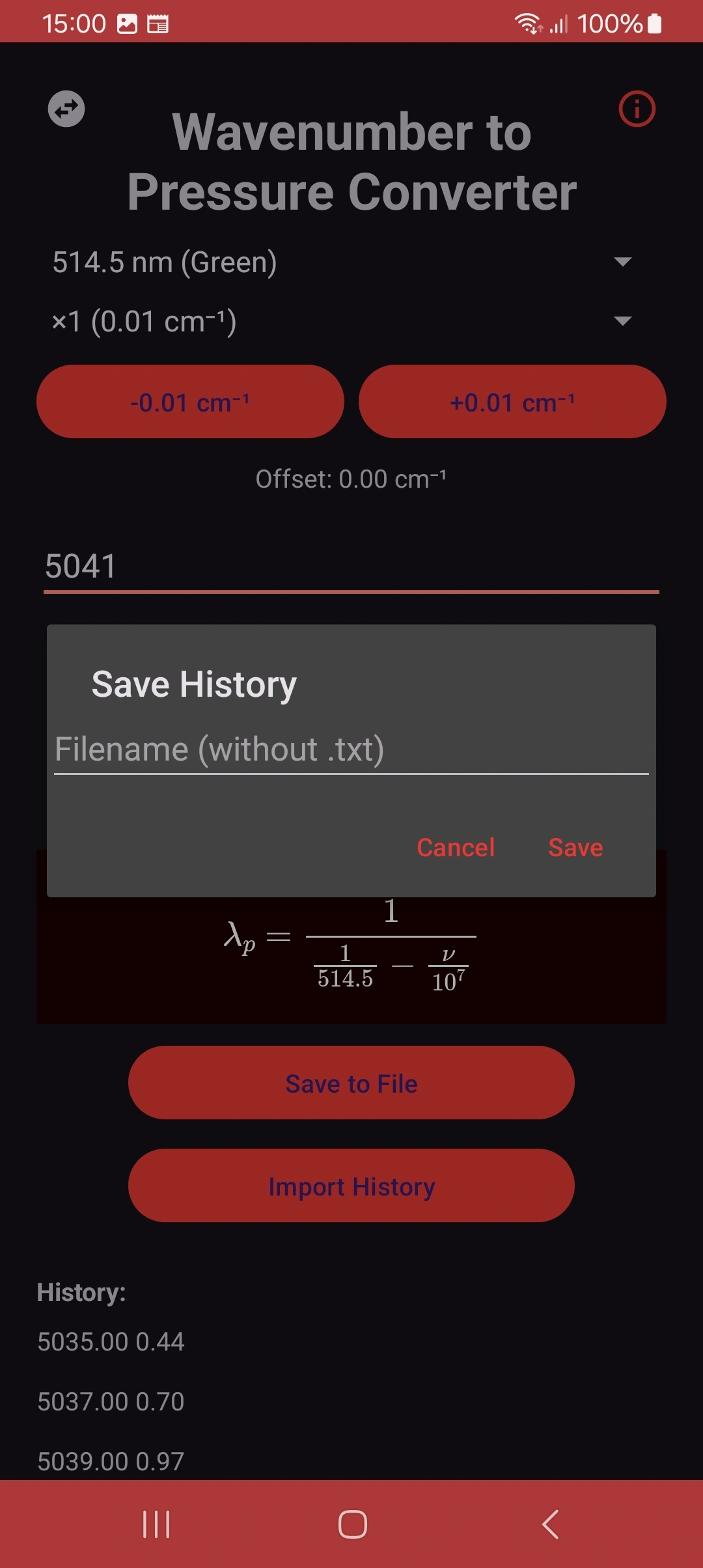
Import/Export
- Export: Saves to .txt file in Downloads folder
- Import: Loads data from previous .txt files
- Format compatible with analysis in other software